BrowserAct
Embeds
Add interesting embeds to your website or README.

<a href="https://embedcatalog.com/projects/browseract" target="_blank" rel="noreferrer noopener"><img src="https://embedcatalog.com/embed/browseract/license.png" alt="BrowserAct on EmbedCatalog" style="width: 160px; height: 28px;" width="160" height="28" /></a>
<a href="https://embedcatalog.com/projects/browseract" target="_blank" rel="noreferrer noopener"><img src="https://embedcatalog.com/embed/browseract/added.png" alt="BrowserAct on EmbedCatalog" style="width: 200px; height: 28px;" width="200" height="28" /></a>Browser automation CLI built for AI agents.
Its partners include Google Cloud, Oracle and others.
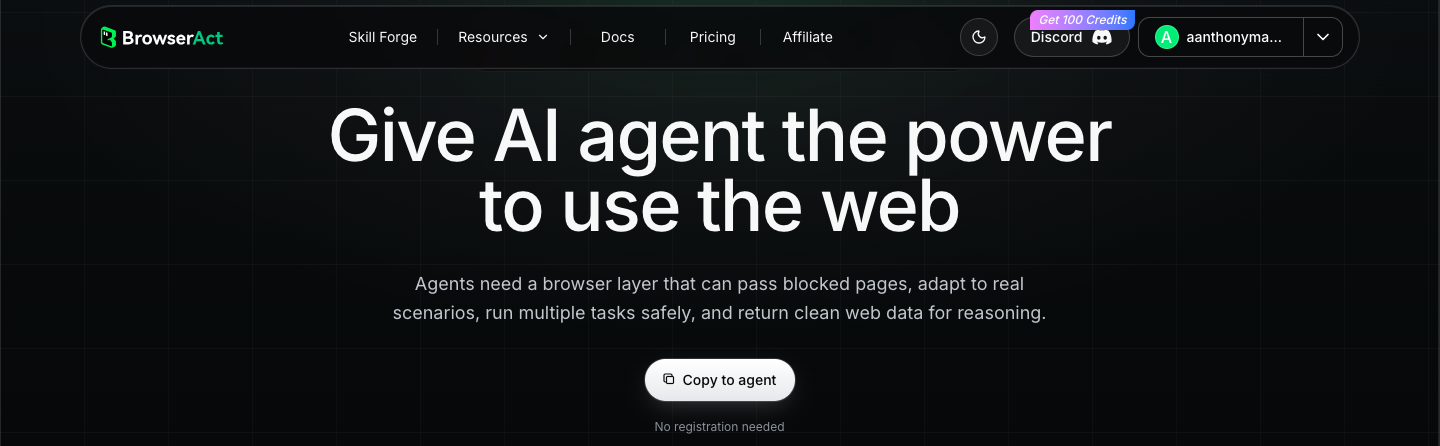
Let's now try to make a browser layer. First, let's register, and then go to the dashboard.

There will be a block like this, click on the install button and simply copy the text into AI on your computer. I will insert this prompt into Cursor.
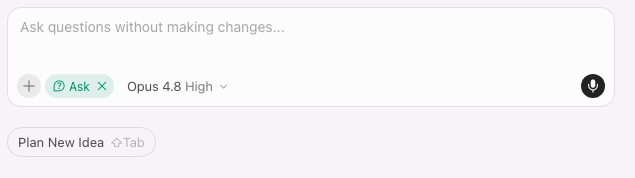
Since I'm in ask mode in the cursor, the agent simply output the file, installing dependencies from which I installed the cli.
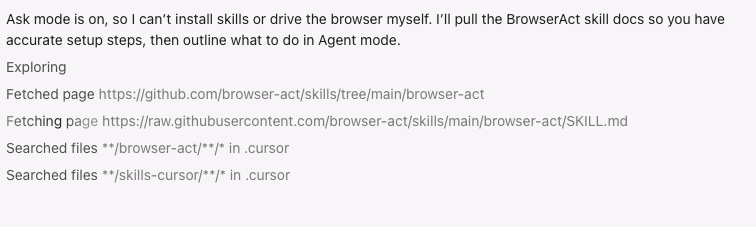
After this, we'll be prompted to install several dependencies.
uv tool install browser-act-cli --python 3.12
You can check the version as follows:
browser-act --version
If you're in a mode where AI can edit files, everything will happen automatically. If you're doing it manually, after the cli appears in the terminal, you'll need to get the actual workflow content:
browser-act get-skills core --skill-version 2.0.2
The CLI serves skill content that always matches the installed version, so instructions never go stale. Do NOT truncate the output — none of which are available through --help.
Browser-act can run basic Chrome and chrome-direct browser automation without an API key. But if you want to access other features, you can register, as we did earlier, and enter the following:
browser-act auth login
browser-act auth poll
Or set a key directly:
browser-act auth set <your_api_key>