Back to projects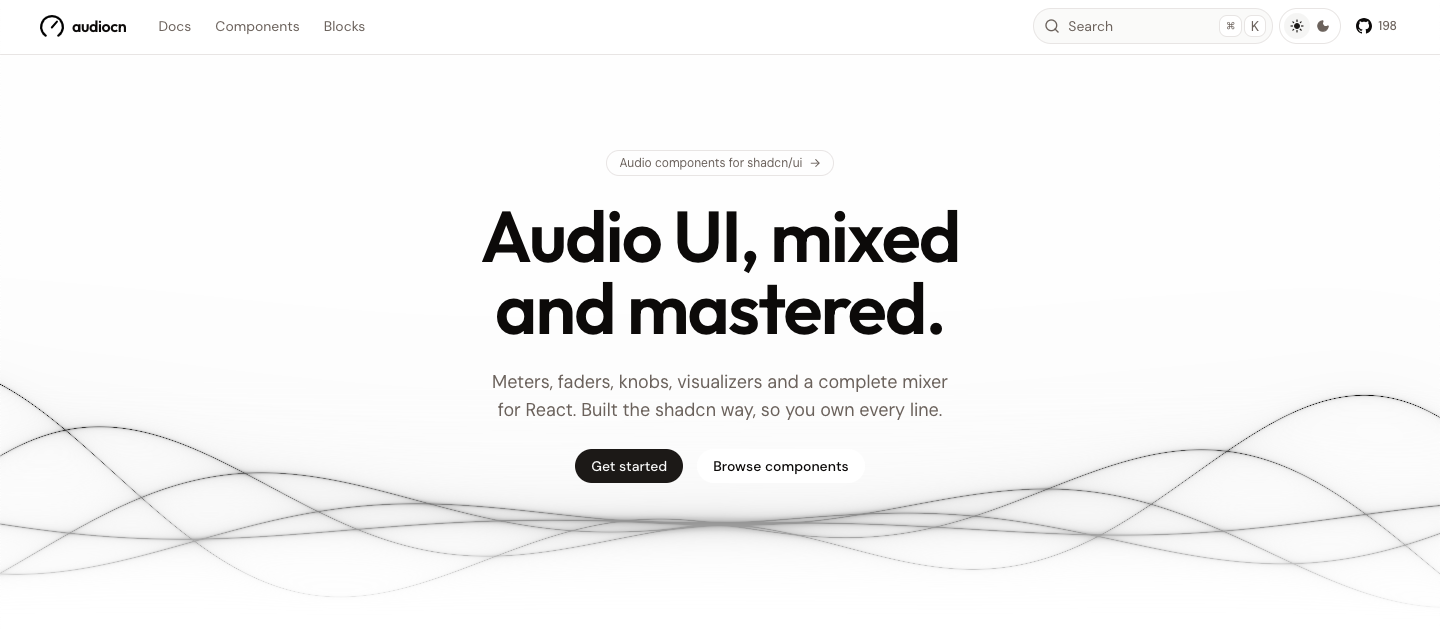


New
audiocn
Embeds
Add interesting embeds to your website or README.
License
LightDark
<a href="https://embedcatalog.com/projects/audiocn" target="_blank" rel="noreferrer noopener"><img src="https://embedcatalog.com/embed/audiocn/license.png" alt="audiocn on EmbedCatalog" style="width: 160px; height: 28px;" width="160" height="28" /></a>Added to
LightDark
<a href="https://embedcatalog.com/projects/audiocn" target="_blank" rel="noreferrer noopener"><img src="https://embedcatalog.com/embed/audiocn/added.png" alt="audiocn on EmbedCatalog" style="width: 200px; height: 28px;" width="200" height="28" /></a>Audio UI components for React, built the shadcn way.
Why audiocn
- You own the code. It is not a package. Like shadcn/ui, every component is copied into your project with the shadcn CLI, so you can change anything.
- Themed by shadcn. Built on Base UI, styled with Tailwind CSS and themed with the same CSS variables as shadcn/ui. Any shadcn theme restyles audiocn.
- Fast by default. Meters and visualizers paint on the animation frame without re-rendering React, so a mixer with many channels stays smooth.
- Bring your own audio. Components receive levels and values; they never open a microphone themselves. Use the included Web Audio hooks, or feed them from any other engine.
- Real units. Mixer components speak decibels, the way audio engineers do.
- Accessible. Keyboard control on every fader, knob and strip, real ARIA roles and reduced-motion support.
Hooks
Web Audio plumbing so the components have something to show. Use them, or feed the components from your own engine.
| Hook | What it does |
|---|---|
useMicrophone | Open a microphone as a MediaStream, with browser processing off by default |
useSystemAudio | Capture system or tab audio through the browser's screen-share picker |
useAudioAnalyser | Meter and visual frame sources from a stream, media element or AudioNode |
useWebAudioMixer | Bind mixer state to a Web Audio graph, with ducking, monitor sends and a limited master |
useMixer | Gain, mute, solo, pan and monitor per channel, plus a master, with no audio attached |
useAudioPlayer | Playback state for an audio element the hook owns |
useSound | Low-latency playback of short sounds decoded into memory |
useWaveformData | Decode an audio file and reduce it to cached waveform peaks |
useAudioDevices | Audio input or output devices, with permission state and live updates |
useDemoSignal | Synthetic speech, music, tone or noise, for previews, prototypes and tests |
Plus useAudioContext, useFrameSource, useLevel, useClipHold, useReducedMotion and useAudioConfig.
Quick start
audiocn is a shadcn registry. You need React 19.2 or later, Tailwind CSS v4 and a project set up with shadcn/ui.
1. Add the registry to components.json:
{
  "registries": {
    "@audiocn": "https://audiocn.dev/r/{name}.json"
  }
}
2. Add components. The CLI copies each one with everything it depends on: the audio core, the audio theme tokens and any hooks it uses.
npx shadcn@latest add @audiocn/level-meter
npx shadcn@latest add @audiocn/system-audio-mixer
3. Use them.
import { LevelMeter } from "@/components/ui/level-meter";

export const MicLevel = ({ peakDb }: { peakDb: number }) => (
  <LevelMeter aria-label="Microphone level" peakDb={peakDb} />
);
Full guide: audiocn.dev/docs/installation.