Videorc
Embeds
Add interesting embeds to your website or README.

<a href="https://embedcatalog.com/projects/videorc" target="_blank" rel="noreferrer noopener"><img src="https://embedcatalog.com/embed/videorc/license.png" alt="Videorc on EmbedCatalog" style="width: 160px; height: 28px;" width="160" height="28" /></a>
<a href="https://embedcatalog.com/projects/videorc" target="_blank" rel="noreferrer noopener"><img src="https://embedcatalog.com/embed/videorc/added.png" alt="Videorc on EmbedCatalog" style="width: 200px; height: 28px;" width="200" height="28" /></a>Open-source AI-native screen recorder & multistream studio — record in 4K, stream live, publish with AI.
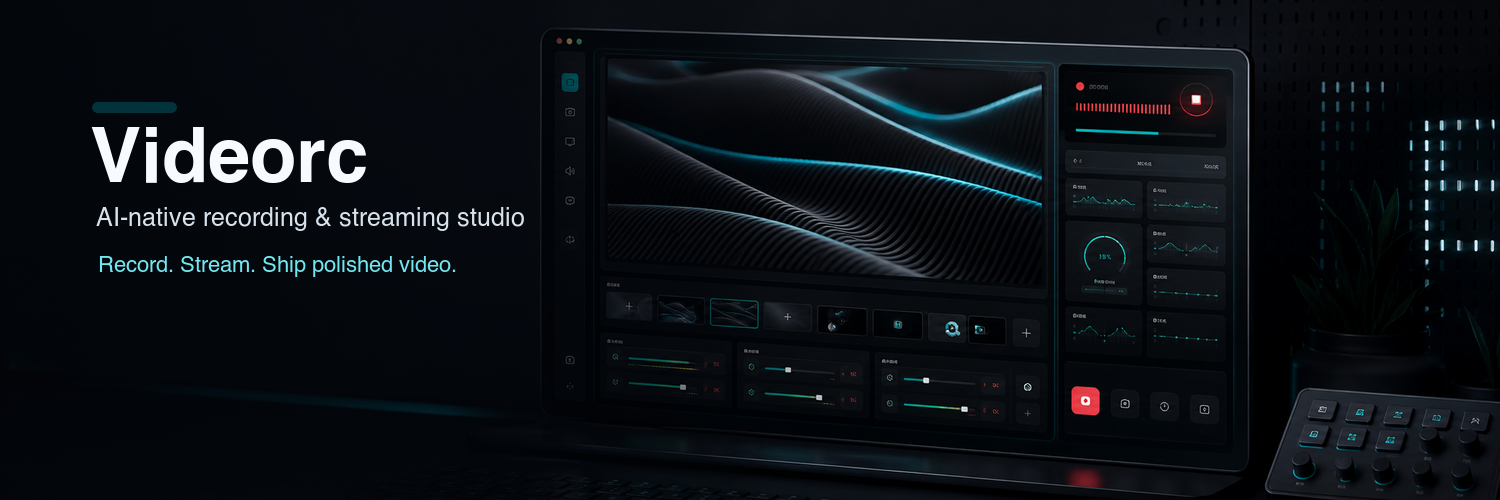
Videorc is an open-source, AI-native desktop studio for creators: record your screen and camera, stream to multiple platforms at once, and walk away with a transcript, titles, chapters, and a ready-to-paste publish pack — all from one window.
Why Videorc
Most capture tools make you choose between “simple but shallow” and “powerful but a cockpit”. Videorc aims for the third option: a studio that is genuinely simple to run — pick a scene, hit record — while the heavy lifting (a native capture engine, multi-platform streaming, live captions, post-recording AI) happens underneath.
Highlights
Scenes, not knobs — screen + camera, screen only, camera only, or side-by-side splits with draggable camera placement and framing controls. Record and stream in one pipeline (local MKV/MP4, RTMP, or both), including simulcast to multiple destinations. Live captions with optional burn-in. Post-recording AI for transcripts, titles, chapters, highlights, and a publish pack.
How it works
Electron + React desktop shell for the studio UI. A Rust backend owns capture, composition, recording, and streaming over an authenticated localhost WebSocket. FFmpeg drives encoding. SQLite keeps your session library local on your machine.