About
EmbedCatalog is a free project catalog where you can add yours and get access to interesting and practical embeds.

Briefly about the idea
While developing open source projects, one day I came up with the idea of making a website for practical pictures for projects, since I wanted to somehow highlight my project rather than adding default ones. I don't want to copy others, so I made a catalog where each project will have a relatively unique embed.
Features
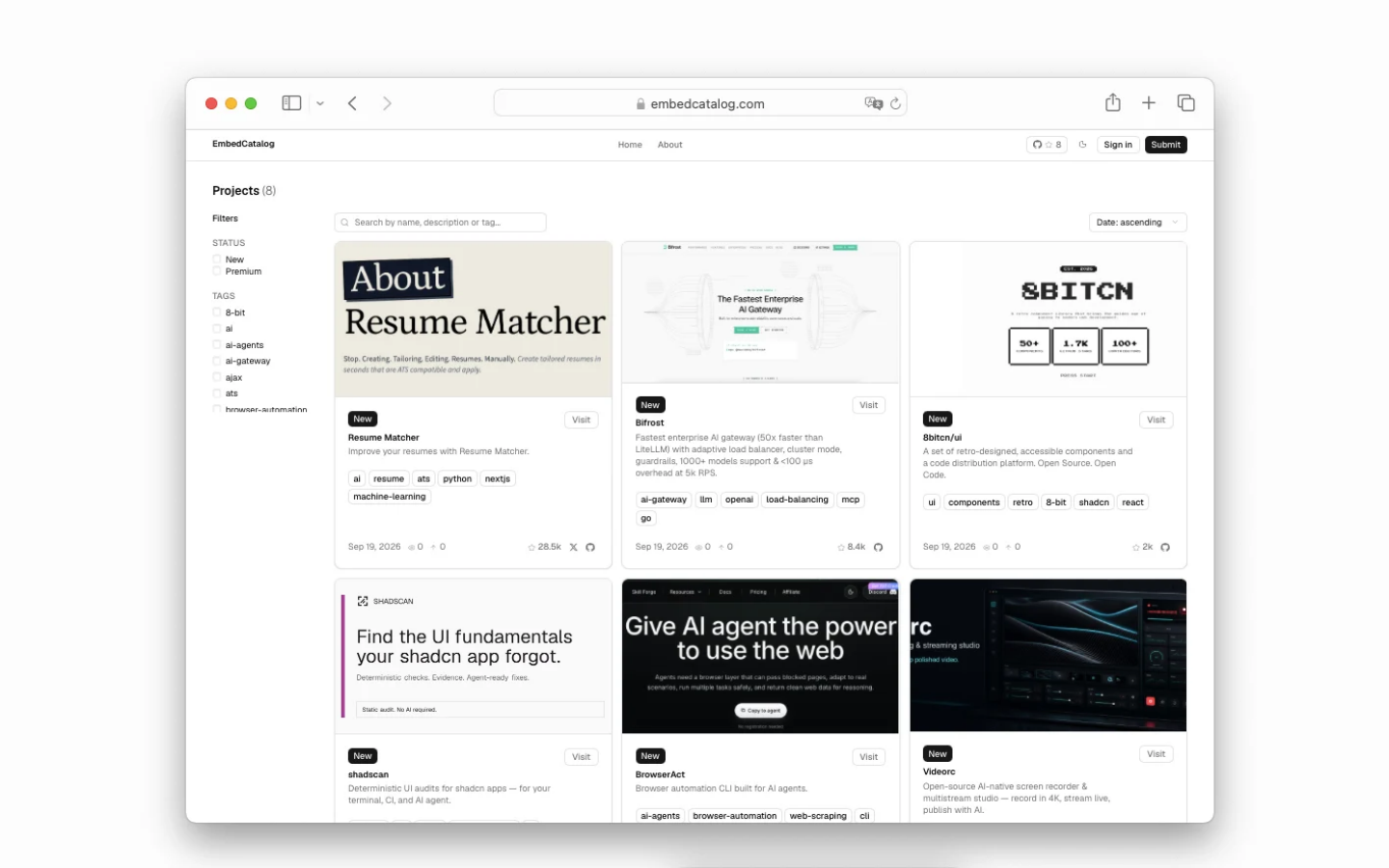
Catalog & discovery
Each published project is presented as a card with relevant images and project information. The platform also tracks views and upvotes.
- Search by name, description, or tag.
- Filter by New projects or Premium projects.
- Filter by one or more tags.
- Sort by newest, oldest, most upvoted, or most viewed.
Custom embeds
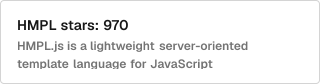
Every project can design its own custom embed with a title, description, and light or dark theme from the account dashboard. The ready HTML snippet can be copied into a README or website.
Project pages
- Image carousel for screenshots.
- Live GitHub stats for stars, forks, contributors, and license.
- Tags and social links for X, YouTube, and GitHub.
- GitHub-flavored Markdown info sections.
- Generated Open Graph images for shared links.
Upvotes, impressions & moderation
Signed-in users can upvote a project once, while page views are tracked as impressions and batched client-side. New submissions enter a moderation queue where admins can approve, reject, mark Premium, or edit listings before they go live.
How it works
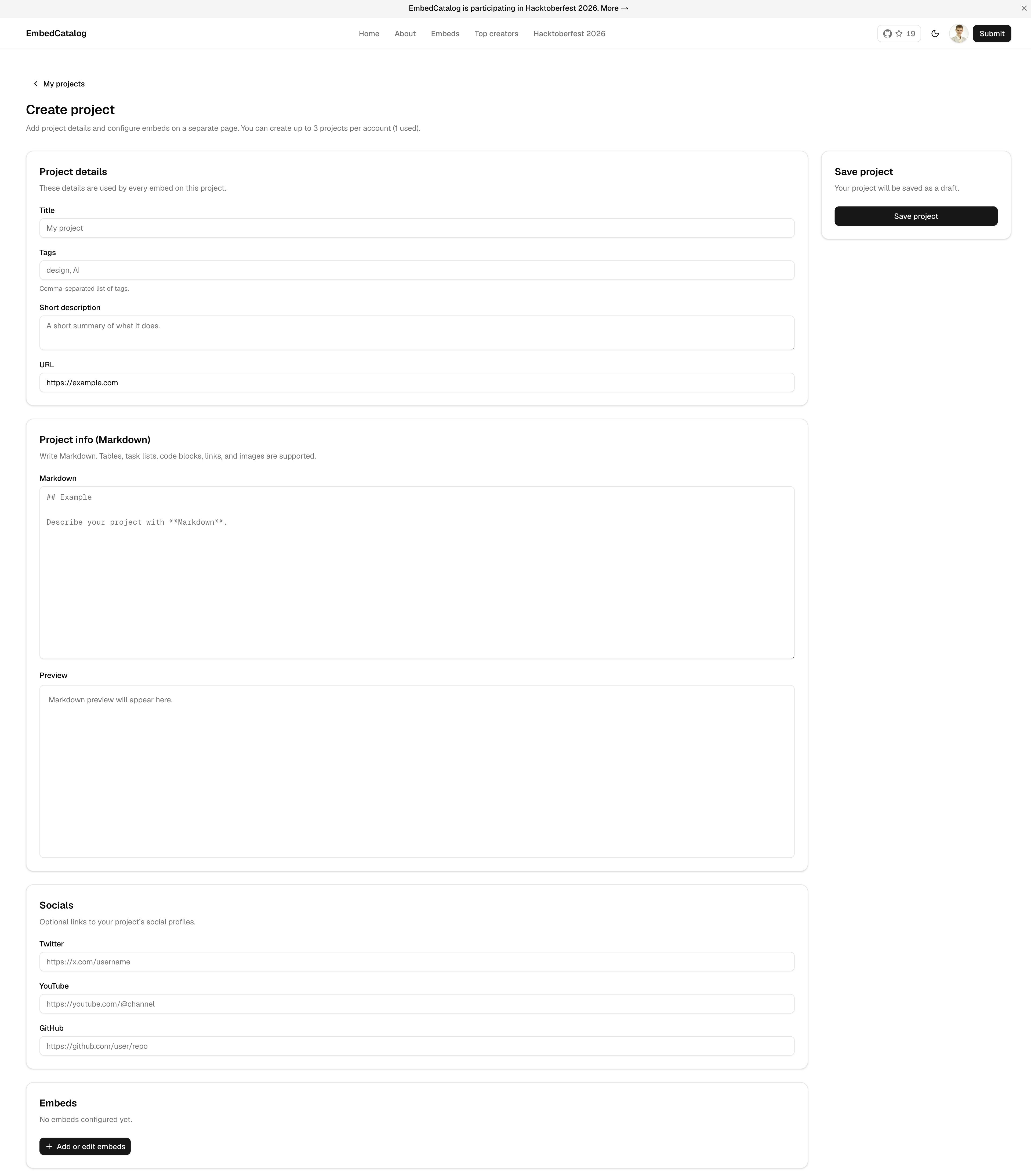
List your project in the catalog, then copy embed badges for your README or website. Free embeds are available to every listed project. Premium unlocks exclusive badges and promotion across articles, X posts, and other channels.
- Create an account and fill in information about your project.
- Optionally add social links, screenshots, project information, and embed variations.
- Send it for review with an optional note for the moderators.
- Once approved, your project is published, gets its own page, and its project embeds become available to copy.
- Create custom embeds from your account. Set an embed name, image title, description, and URL slug; custom embeds are published immediately on your profile and the embeds page.
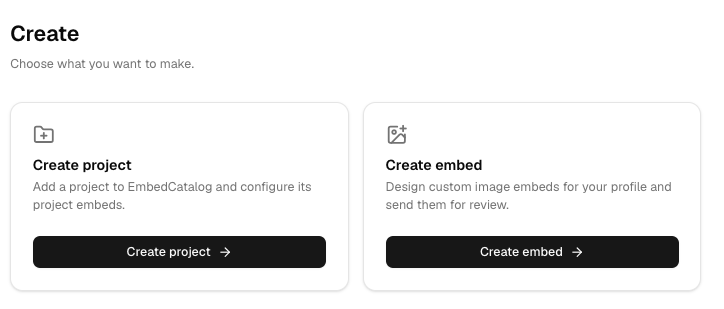
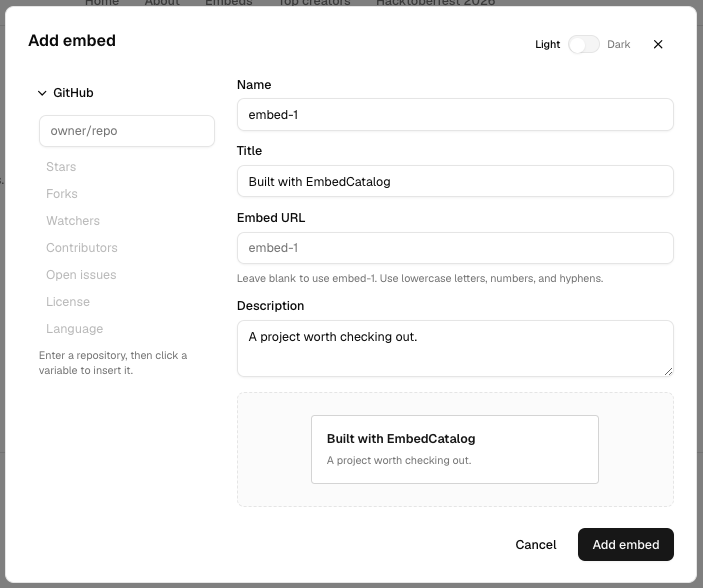
- To feature a custom embed on a published project, request to link it to the project. The link is reviewed before it goes live.
- Keep an eye on embed views and upvotes as people discover and use your embeds.
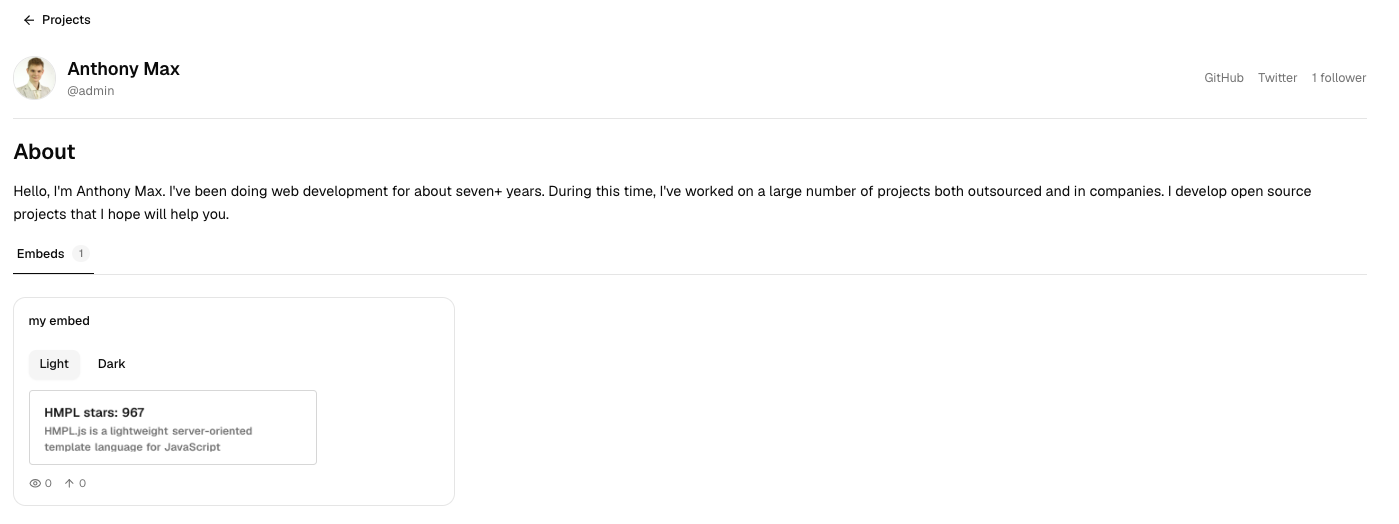
Embeds
The platform currently has the following list of embeds:
| Embed | Light | Dark | Plan |
|---|---|---|---|
| License |  |  | Free |
| Added to |  |  | Free |
| Organization |  | 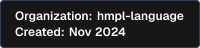 | Premium |
Custom embeds
Projects can also create a custom embed with their own title and description. For example:
What projects are suitable?
- Open source
- Service
- Developer tool
- Web app
- Package
- Other technical
Commercial ones are also taken into work.
About premium
Essentially, we are not focused on creating an audience on the platform, although this is also important. The idea is to work on a project periodically, like an ant working on its visibility. The platform accepts a certain number of premium projects per month, and the project team will simply add them to relevant articles and create content about them on other platforms. For example, tweets, etc.
This flow allows us to work on projects as efficiently as possible. Also, if we move on to the next month, the number of projects will allow us to work on previous months' projects.
FAQ
Is listing a project free?
Yes. Free listings get a project page, base embed badges, and a custom embed. Premium is optional and adds promotion and extra embeds.
What happens after I submit a project?
It enters a moderation queue as a draft. An admin reviews it and publishes, rejects, or requests changes before it is shown in the catalog.
Can I edit a project after it is published?
Yes. From your account you can update details, images, embeds, and the Markdown info section.
Is there a report on the work done?
Yes, of course they will.
Who is behind this
EmbedCatalog is built and maintained by Anthony Max. The full source is open on GitHub under the AGPL-3.0 license.
Tech stack
| Framework | Next.js 16, App Router, server runtime |
| Language | TypeScript |
| Styling | Tailwind CSS v4, ShadCN-based UI |
| Markdown | react-markdown and remark-gfm |
| Backend | Supabase: Postgres, Auth, and Storage |
| Icons | Lucide |
Project structure
app            Routes: catalog, project pages, account, submit, embeds
components     Shared cards, forms, embeds, markdown, and UI components
lib            Supabase clients, data mappers, and utilities
scripts        Build-time embed image generation and GitHub stats sync
public         Static assets, logo, and preview images
Running locally
Prerequisites
- Node.js 20+
- npm 10+
- Supabase project with the
projects,project_embeds,project_upvotes, andproject_bookmarkstables set up
Quick start
# Clone the repository
git clone https://github.com/EmbedCatalog/embedcatalog.git
cd embedcatalog

# Install dependencies
npm install

# Configure environment variables
cp .env.example .env.local # create it if it doesn't exist yet, see below

# Start the dev server
npm run start
Open http://localhost:3000 to view the app.
Environment variables
| Variable | Used by | Purpose |
|---|---|---|
| NEXT_PUBLIC_SITE_URL | App | Canonical site URL (defaults to https://embedcatalog.com) |
| NEXT_PUBLIC_SUPABASE_URL | App, image routes | Supabase project URL |
| NEXT_PUBLIC_SUPABASE_ANON_KEY | App, image routes | Public client for auth and data access |
| SUPABASE_SERVICE_ROLE_KEY | sync-github-stats, newsletter API | Server-side GitHub stats updates and newsletter subscriptions |
| GITHUB_TOKEN | sync-github-stats | Reads stars/forks/contributors from GitHub API |
Available scripts
| Script | What it does |
|---|---|
| npm run start | Runs the app in development mode |
| npm run build | Builds Next.js; embed PNGs are rendered on request |
| npm run serve | Runs the production Next.js server |
| npm run prod | Alias for build, used by Vercel |
| npm run lint | Runs ESLint |
| npm run format | Formats the codebase with Prettier |
| npm run typecheck | Runs the TypeScript compiler in --noEmit mode |
Deployment
The app requires a Node.js-capable Next.js host. To deploy with Vercel, import the GitHub repository as a Next.js project, keep the root directory and output directory at their defaults, and add NEXT_PUBLIC_SUPABASE_URL and NEXT_PUBLIC_SUPABASE_ANON_KEY to the Production and Preview environments. Dynamic embed images query approved/published records from Supabase at request time. Set both Supabase variables for Production and Preview deployments; they are also needed during build because NEXT_PUBLIC_* values are bundled into the client. Set NEXT_PUBLIC_SITE_URL to the canonical production URL in the Production environment if it differs from the default. Vercel deploys pushes to the connected branches automatically. GitHub Pages static hosting is not supported because user profile routes are resolved at runtime.
Data synchronization
A scheduled GitHub Action runs the stats synchronization script daily to refresh each project's stars, forks, contributors, and license directly from the GitHub API.
Contributing
Read the Contributing Guide for the main steps. The platform is open to your ideas and code.
Star history
Contribution
The platform is open to your ideas and code! Thanks to everyone who helps make it better.
License
Source code released under the AGPL-3.0 license. The application code is completely open source.
Ready to list your project?
Start free or go Premium for embeds and promotion.